Use account with administrative or extension management privileges.
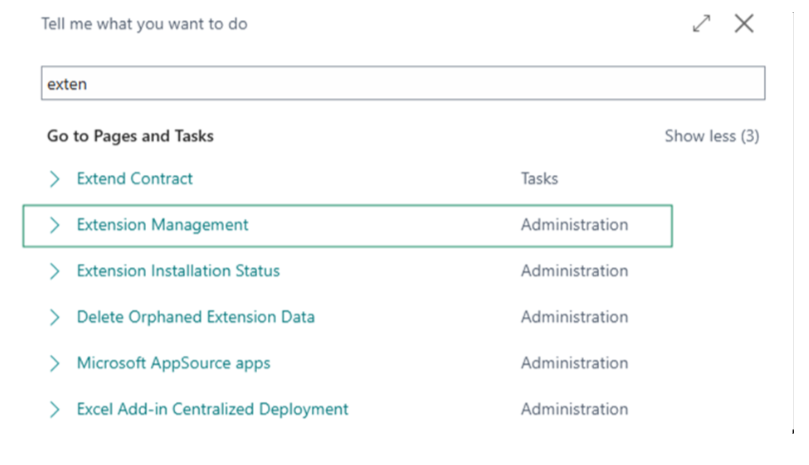
Search for “Extension Management” in Tell Me using the search icon.
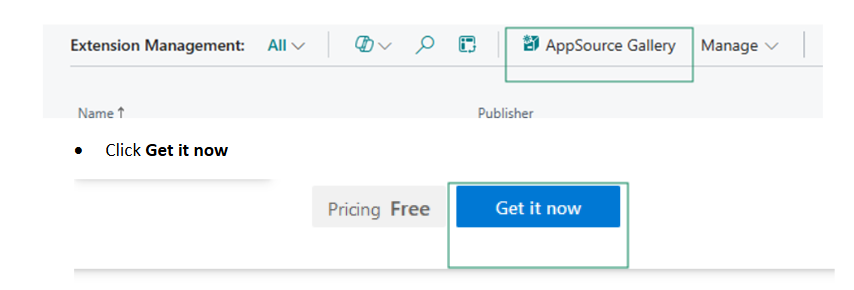
Click on AppSource Gallery from Menu Actions
Agree to the terms and conditions, select the environment where you want the app installed, then conform the installation.
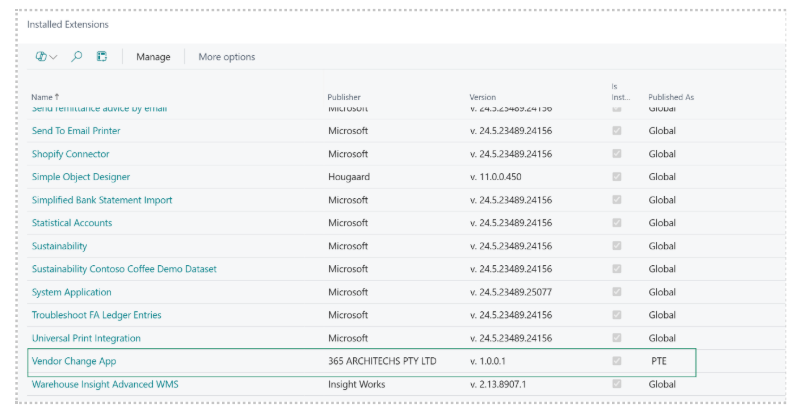
Verify that the app appears in Extension Management as Installed.