
Privacy Policy
We are committed to protecting your privacy and complying with the Privacy Act 1988 (Cth) and other applicable laws and regulations.


We are committed to protecting your privacy and complying with the Privacy Act 1988 (Cth) and other applicable laws and regulations.

Here you will find legals about agreement terms and information of 365 Architech’s intellectual property and privacy policies.


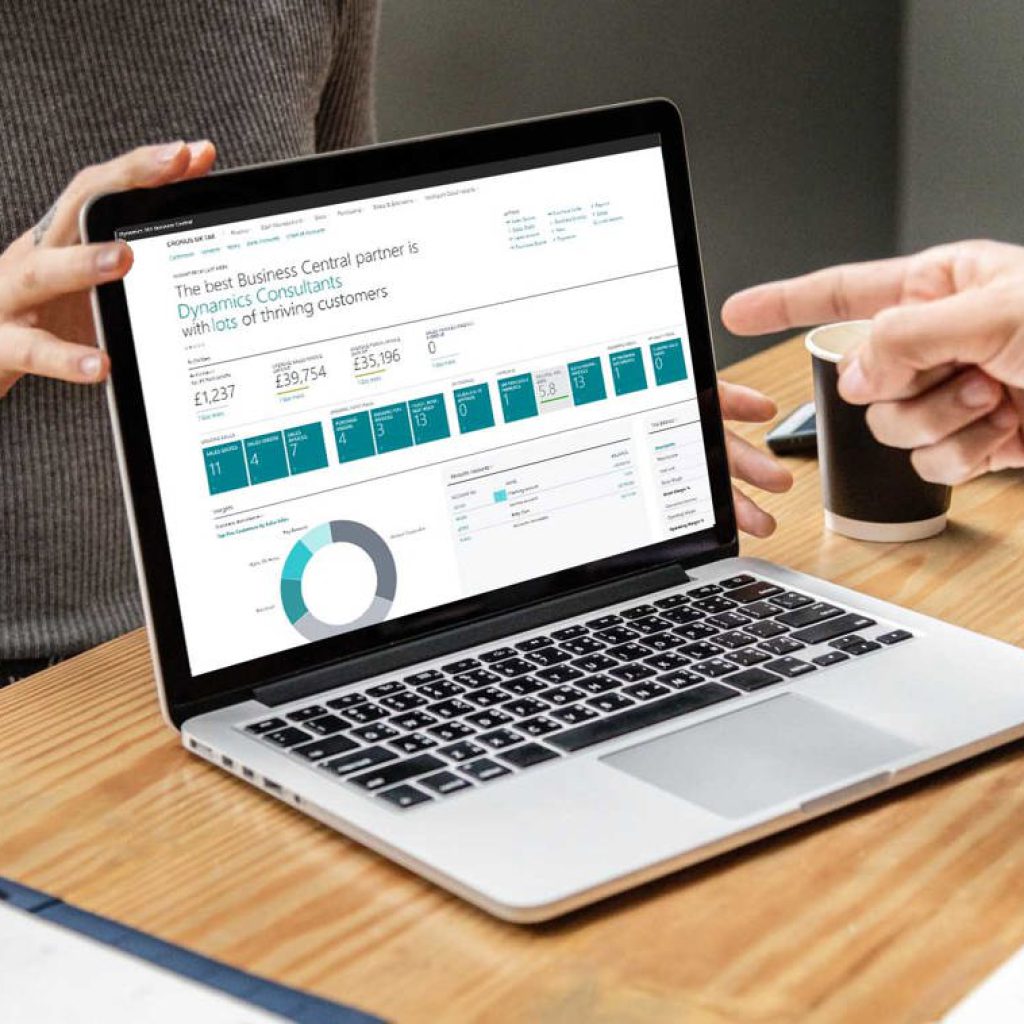
365 Architechs’ Apps for Business Central leverage our extensive experience in configuration, integration, and support of Business Central.

The 365A Cybersecurity Diagnostic consists of four stages: Questionnaire, Analysis of findings, Documentation of opportunities, Final report.

The 365A Cybersecurity Audit provides a comprehensive analysis of the configuration settings within your Microsoft 365 environment.